Power Ace Register: Step-by-Step Guide to Create Your Account in 2024
What You Need Before You Start
Before you open the Power Ace register page, gather three things. First, you must be at least 21 years old. Power Ace does not accept players younger than 21. Second, you need a valid Philippine ID—the same ID you use for banking or SIM registration. Third, have your mobile phone number ready. Most Filipino players register directly on their Android phone, so the entire process takes about five minutes if you have everything on hand.
Power Ace will ask you to verify your identity after you create your account. The platform accepts government-issued IDs such as a driver's license, passport, Unified Multi-Purpose ID (UMID), PhilHealth ID, SSS ID, or Postal ID. Keep a photo or scan of your ID saved to your phone so you can upload it when prompted.
You do not need to deposit money during registration. You can complete the Power Ace register steps and verify your account before you decide whether to load your first PHP 100 or PHP 500.
Screen-by-Screen Walkthrough of the Power Ace Registration Form
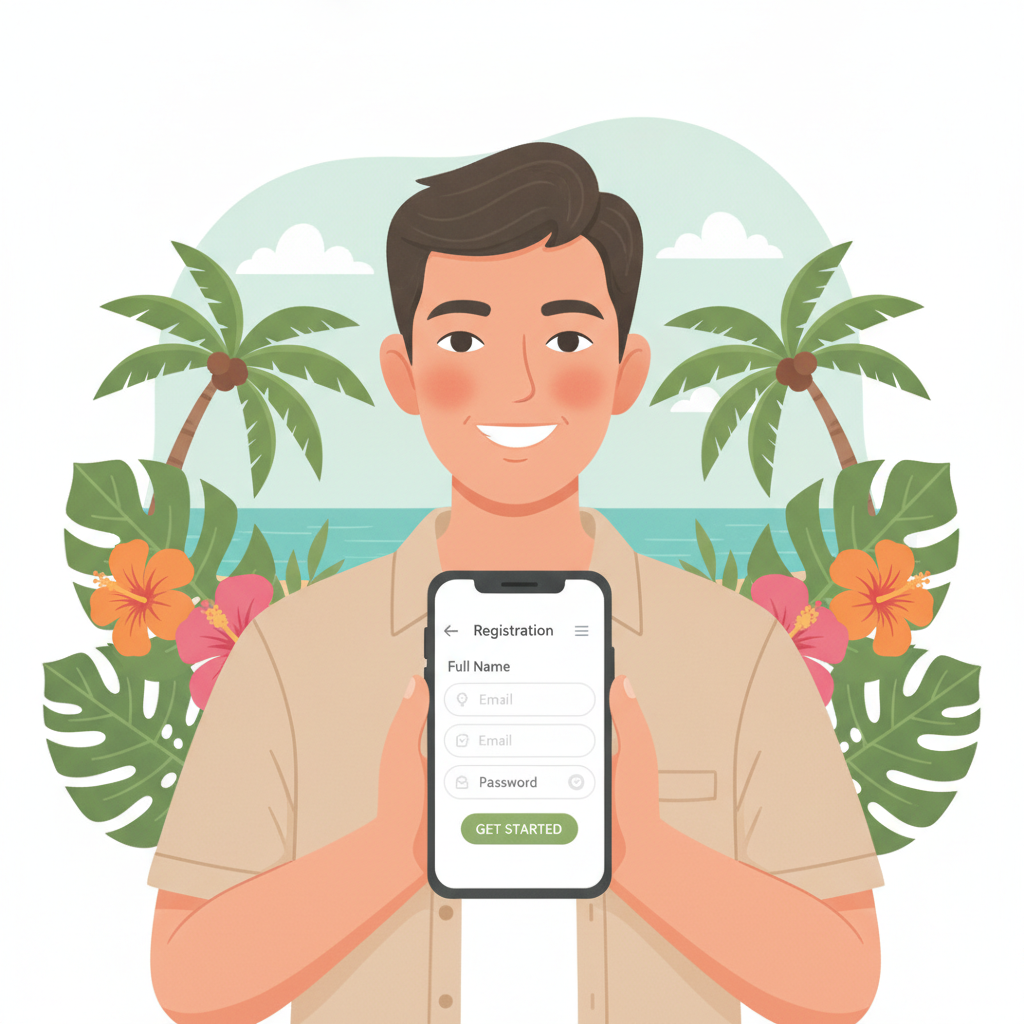
Open your mobile browser—Chrome or your default Android browser—and visit the Power Ace homepage. Look for the "Register" or "Sign Up" button, usually displayed in the top-right corner or as a large call-to-action button on the landing screen.
Step 1: Enter your mobile number
The first field asks for your phone number. Type your 11-digit Philippine mobile number starting with 09. Power Ace will send a one-time PIN (OTP) to this number to confirm it belongs to you. Tap "Send Code" and wait a few seconds. Check your SMS inbox for a six-digit code, then enter it in the box labeled "Verification Code" or "OTP."
Step 2: Create your username and password
Choose a username you will remember—it can be letters and numbers, no spaces. Then create a password. Power Ace typically requires at least eight characters, mixing uppercase, lowercase, and a number. Write this password down or save it in your phone's notes; you will need it every time you Power Ace login.
Step 3: Fill in your personal details
The form will ask for your full name (as it appears on your ID), date of birth, and email address. Double-check the spelling of your name; any mismatch between the registration form and your ID can delay verification. Enter a working email address—Power Ace may send account updates or password-reset links there.
Step 4: Choose your currency
Select PHP (Philippine Peso) from the drop-down menu. Most Filipino players bet in pesos, and all deposit methods—GCash, Maya, bank transfer via InstaPay and PESONet—process in PHP.
Step 5: Agree to terms and submit
Tick the box to confirm you are at least 21 years old and that you accept Power Ace's terms of service. Tap "Register" or "Create Account." If all fields are filled correctly, you will see a confirmation message or be redirected to your new account dashboard.
Some players see an error if the mobile number is already registered or if the password does not meet the required format. If that happens, try a different phone number or adjust your password and resubmit.
ID Verification Process: What Documents Are Accepted and How Long It Takes
After you complete the Power Ace register form, the platform will prompt you to verify your identity. In some cases, you can skip this step temporarily and complete it later, but you must finish ID verification before you can withdraw any winnings. Many players prefer to verify immediately so their account is fully active.
Accepted documents
Power Ace accepts any government-issued photo ID that shows your full name, date of birth, and photo. Common choices include:
- Driver's license
- Philippine passport
- UMID (Unified Multi-Purpose ID)
- SSS (Social Security System) ID
- PhilHealth ID
- Postal ID
- Voter's ID
- PRC (Professional Regulation Commission) ID
Make sure the ID is not expired. If your ID has both a front and back, you may need to upload two images.
How to upload your ID
Log in to your new Power Ace account. Look for a menu item labeled "Account Verification," "KYC," or "Upload Documents." Tap it, then tap "Choose File" or "Upload." Select the photo of your ID from your phone's gallery. If the image is clear and all four corners of the card are visible, tap "Submit."
Some players take a new photo using their phone camera while holding the ID on a flat, well-lit surface. Avoid glare or shadows that cover the text.
Processing time
Power Ace typically reviews and approves ID uploads within 24 to 48 hours on business days. During weekends or holidays, it may take slightly longer. You will receive a notification by email or SMS when your account is verified. Until then, you can still browse games and place small test bets, but withdrawal requests will be on hold.
If Power Ace rejects your document—for example, if the image is blurry or the ID is expired—you will be asked to re-upload a clearer or valid copy. Check your email or account notifications for instructions.
First Login After Registration and Setting Up Your Account Security
Once your Power Ace register process is complete and you receive confirmation that your account is active, you can perform your first Power Ace login.
Logging in
Return to the Power Ace homepage on your mobile browser. Tap "Login" or "Sign In." Enter the username and password you created during registration. If you saved your password in your browser or password manager, you can auto-fill it. Tap "Login" to access your account dashboard.
Dashboard overview
After login, you will see your account balance (initially PHP 0.00 if you have not deposited), a menu of game categories—slots, live dealer, sports betting—and links to deposit and account settings. Take a moment to explore the layout so you know where to find everything.
Enable two-factor authentication (if available)
Some players add an extra layer of security by enabling two-factor authentication (2FA). Check the "Account Settings" or "Security" section. If Power Ace offers 2FA via SMS or an authenticator app, follow the prompts to link your phone number or scan a QR code. This step is optional but recommended if you plan to keep larger balances in your account.
Update contact preferences
In the settings menu, confirm your email address and mobile number are correct. You can also opt in or out of promotional SMS and email. If you prefer not to receive marketing messages, adjust those preferences now.
Responsible Gambling Reminder and Next Steps to Make Your First Deposit
Power Ace is designed for entertainment, and all forms of gambling carry risk. Only bet money you can afford to lose. Set a budget before you play—many Filipino players start with PHP 100 to PHP 500—and do not chase losses. If you ever feel that gambling is becoming a problem, take a break or seek support from local resources.
21+ only: You must be at least 21 years old to hold a Power Ace account and place bets. If you are registering on behalf of someone else or allowing a minor to use your account, you are violating the platform's terms and risking account closure.
Next steps: making your first deposit
Now that your Power Ace register and verification steps are complete, you are ready to fund your account. Power Ace supports GCash, Maya, and bank transfer via InstaPay or PESONet. Most players choose GCash because deposits appear almost instantly, making it easy to start playing right away.
To deposit, log in and tap "Deposit" or "Cashier." Select your preferred payment method, enter the amount in PHP (minimum deposits are often around PHP 100), and follow the on-screen instructions. You will be redirected to the GCash or Maya app, or you will see bank-transfer details if you selected InstaPay or PESONet. Complete the transaction, and your balance will update within minutes for e-wallets or within a few hours for bank transfers.
Once your deposit is confirmed, you can explore Power Ace's library of slot games, try a live dealer table such as baccarat or blackjack, or place your first sports bet on PBA, NBA, or volleyball matches. Each game category shows the minimum bet—often as low as PHP 1 or PHP 5 per spin or per bet line—so you can start small and learn the ropes.
Questions or issues?
If you run into trouble during the Power Ace register process—for example, you do not receive the OTP, your ID upload is rejected, or you cannot log in—check the Help or Support section in the app or site. Power Ace typically offers live chat or a contact form where you can describe the problem and get assistance within a few hours.
Remember, this guide is an independent resource for Filipino players who are new to Power Ace. It is not operated by or affiliated with the platform itself. Always double-check current requirements and terms on the official Power Ace site, and play responsibly.
Summary: Creating a Power Ace account takes just a few minutes on your phone. Gather your Philippine ID and mobile number, fill out the registration form with accurate details, upload your ID for verification, and log in to set up your security preferences. Once verified, you can deposit via GCash, Maya, or bank transfer and start exploring slots, live dealer games, and sports betting. Keep your play fun, stay within your budget, and remember that gambling is for adults 21 and over only.